Attention tracking for Windows · 100% local
Attune Focus shows how much of your day was real attention, spots games and distractions on its own, and blocks them when you ask. Your data never leaves your PC.
Free · Windows 10 and 11 · Microsoft Store
- 100% local
- No account
- No cloud sync
- No keystroke capture
- Works offline
The product
Six screens. Each one answers a question.
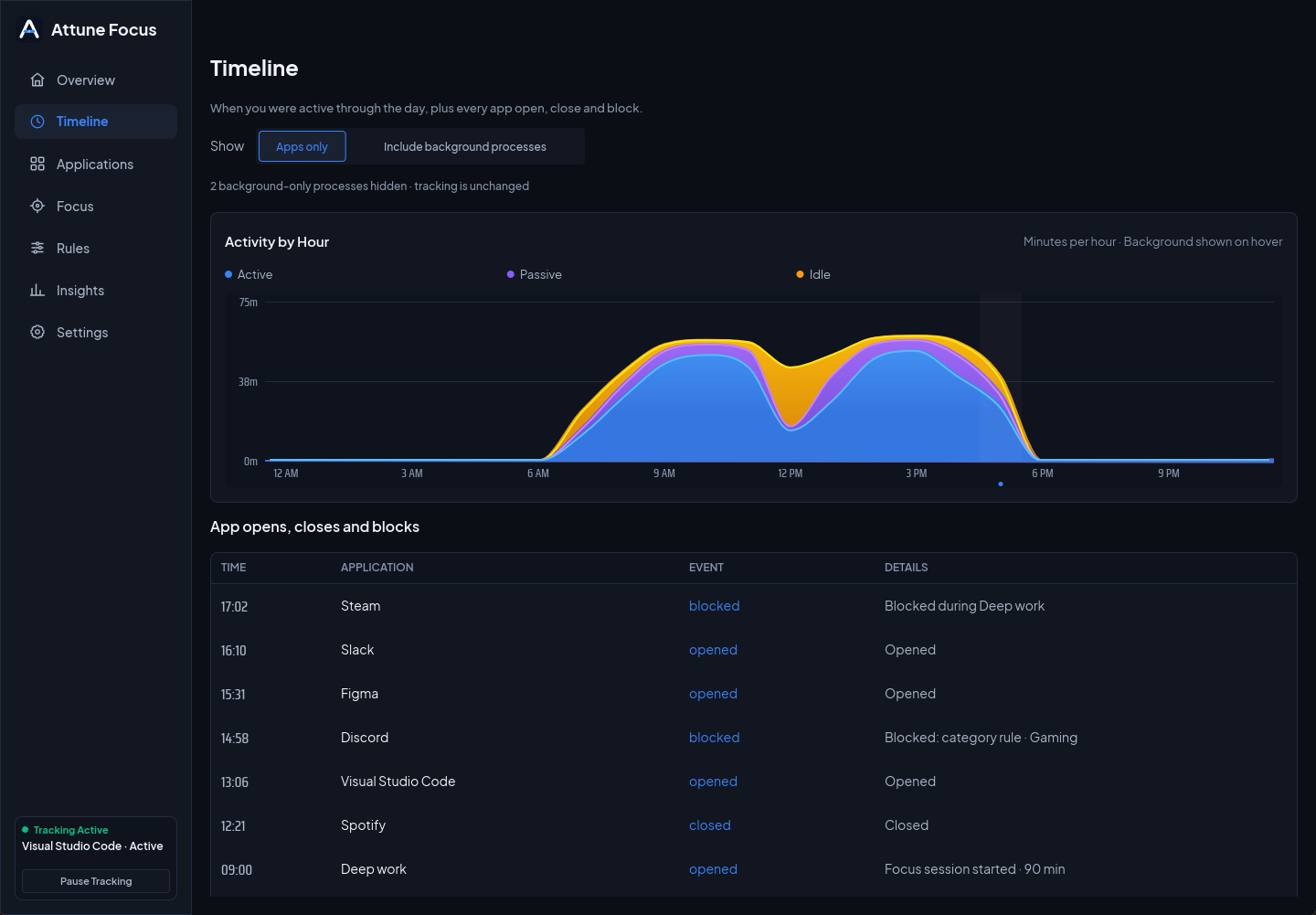
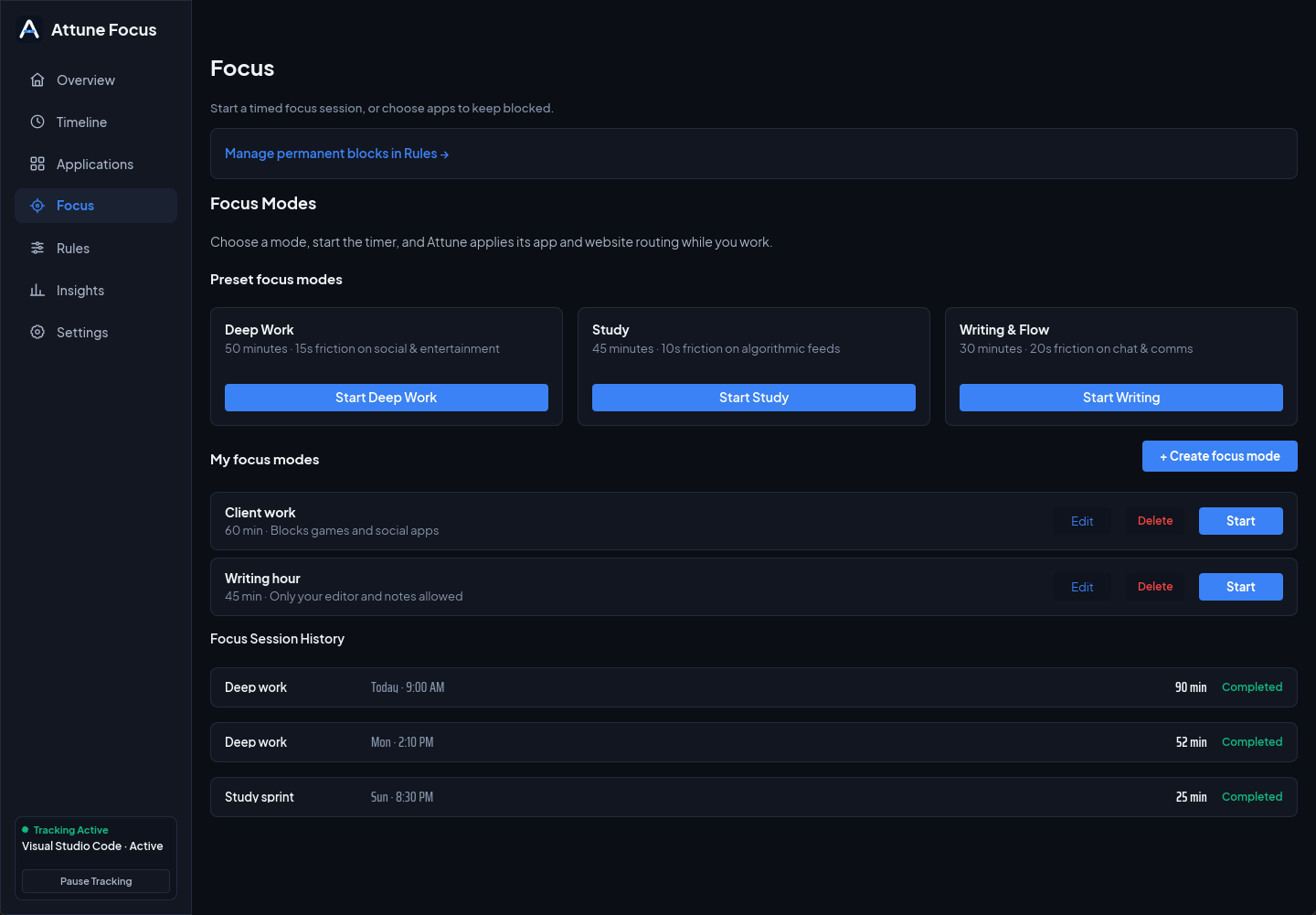
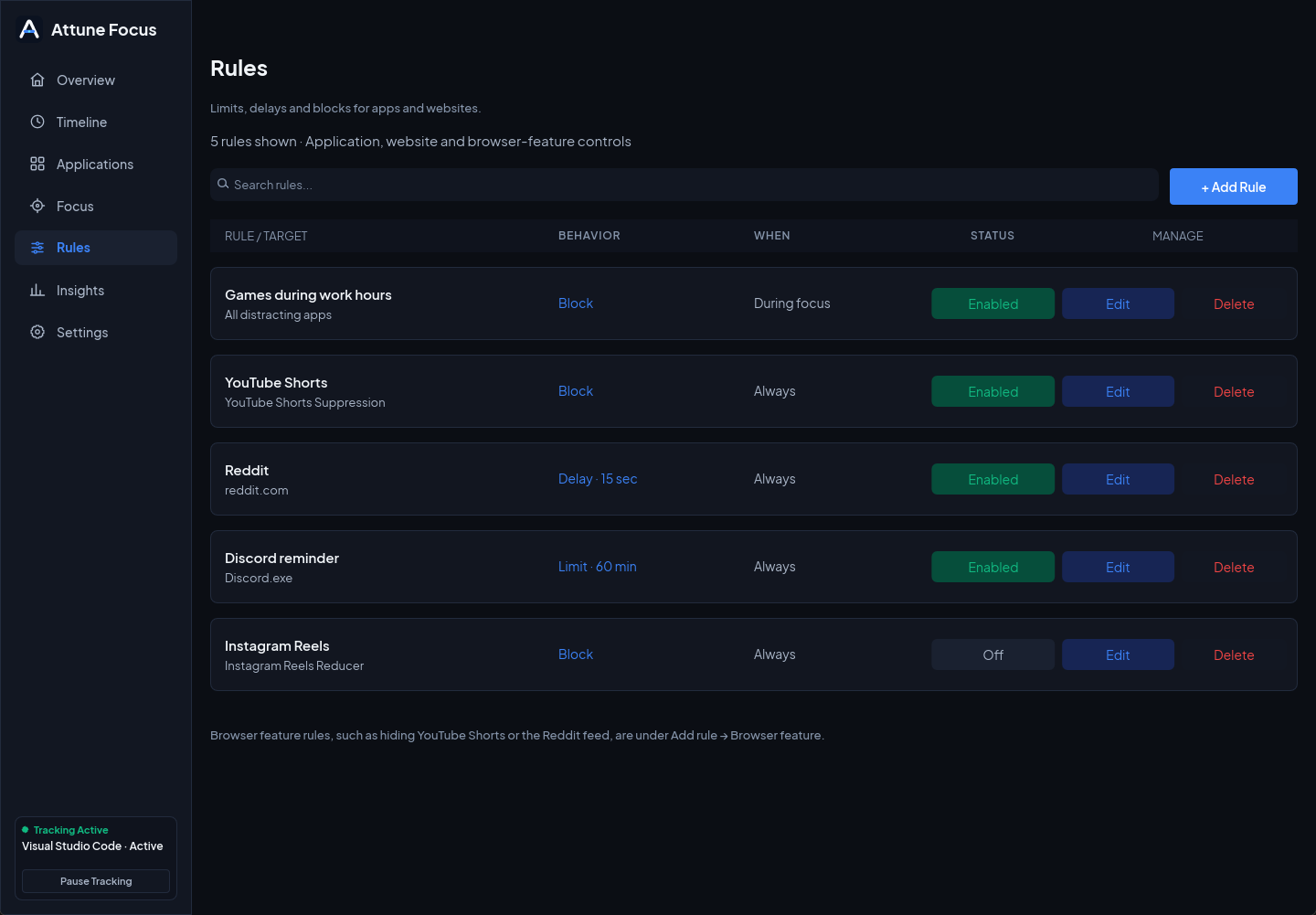
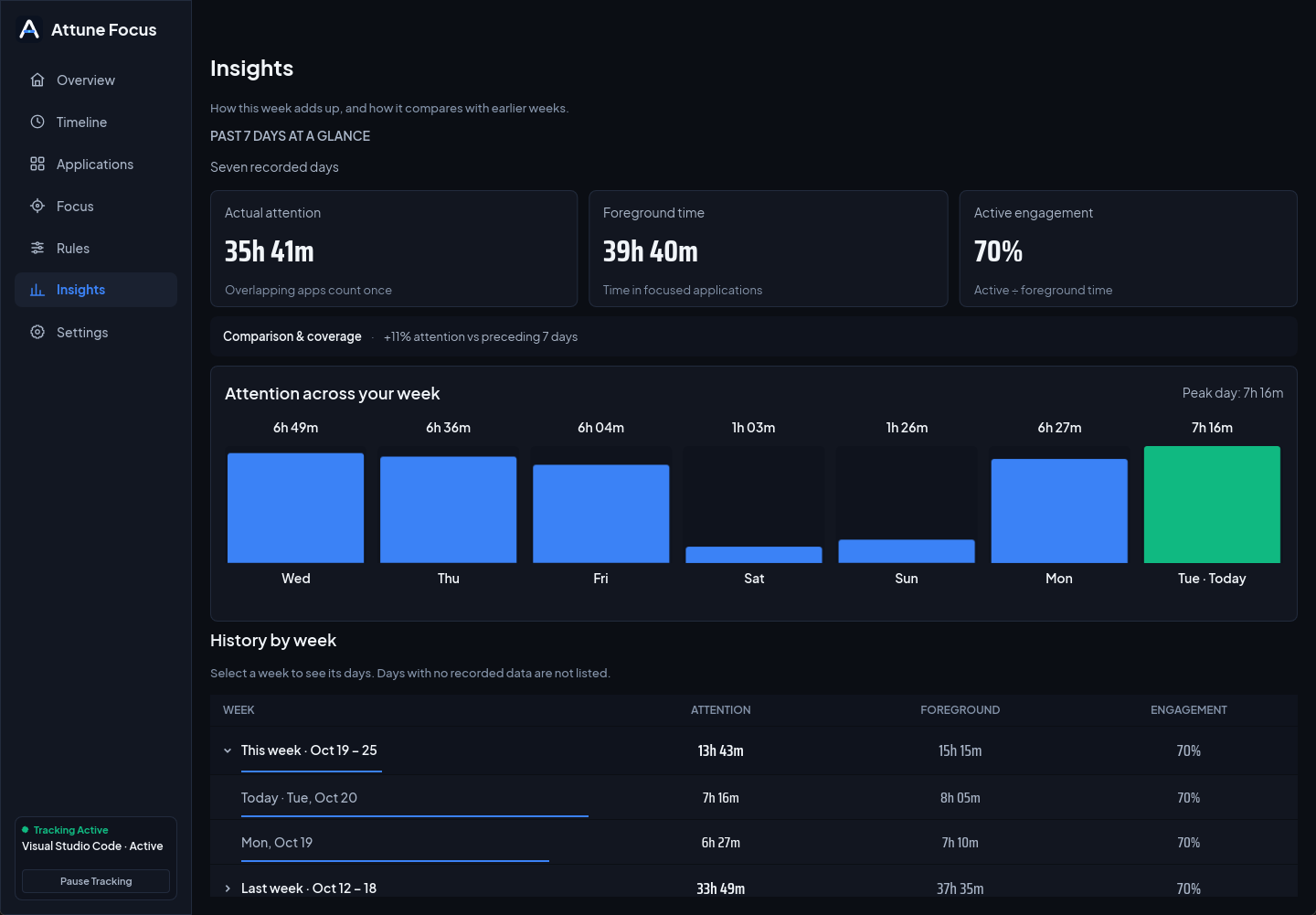
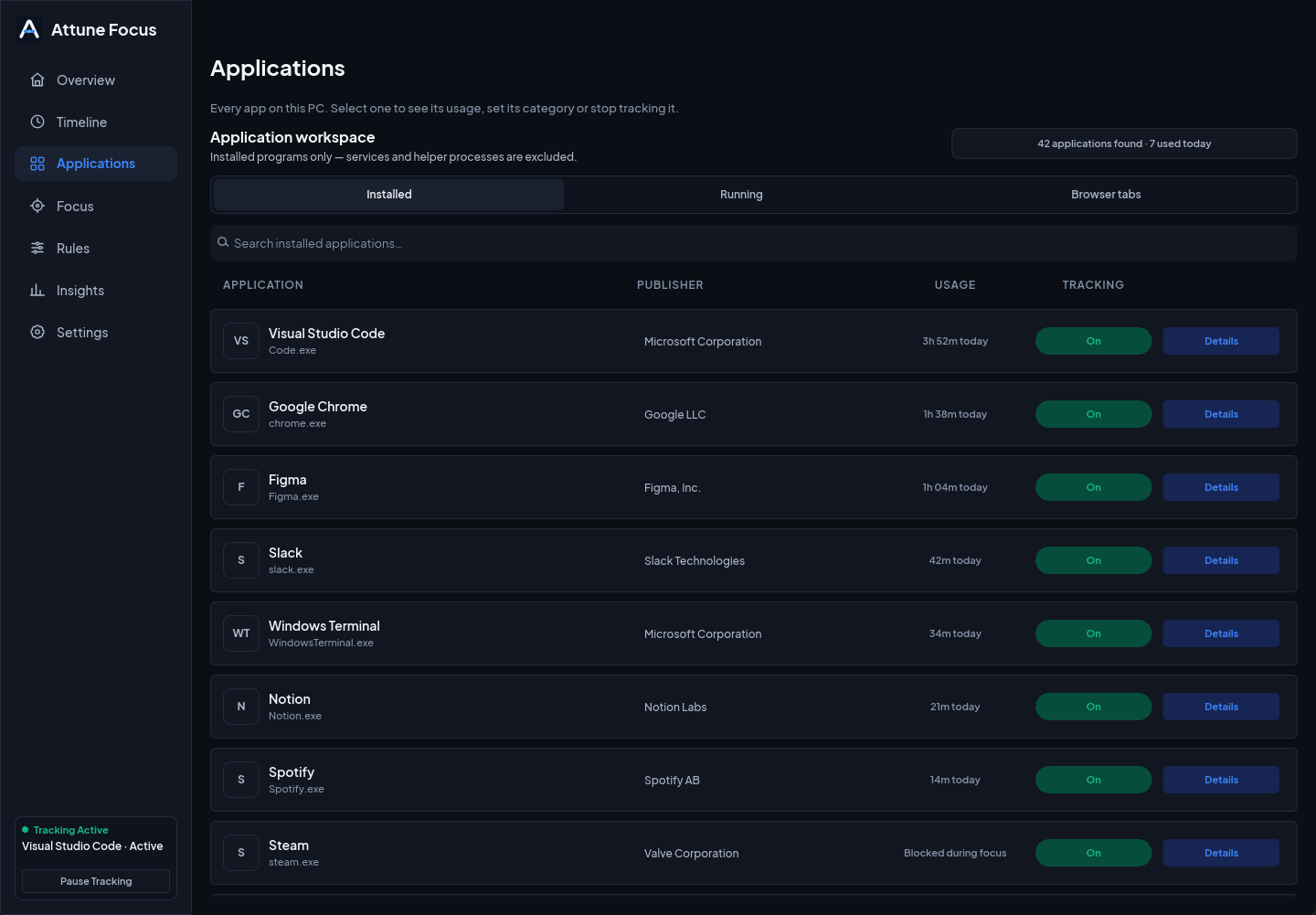
Sample data · your numbers stay on your PC
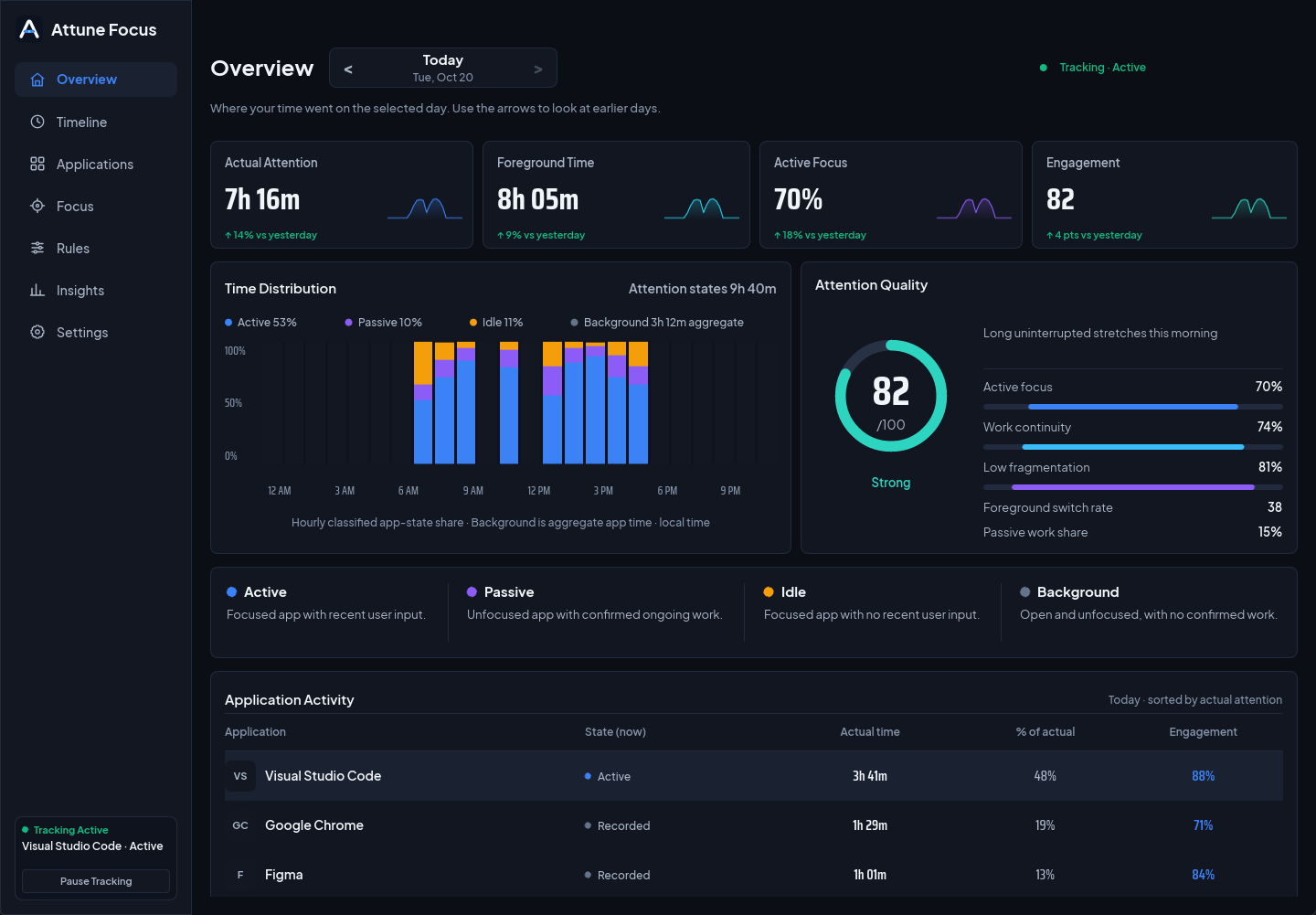
The whole day on one screen
Actual attention, foreground time and engagement at a glance, with an hour-by-hour split of active, passive and idle time. Compare with yesterday in one look.
Attention, not screen time
Four states, not one total
- Active · Focused app, recent input
- Passive · Unfocused app doing real work
- Idle · Focused app, no input
- Background · Open, not in use
Finds distractions for you
Games and feeds, detected
Attune recognizes games, social apps and streaming by name, install folder and publisher. Block a whole category with one rule. Your own choices always win.
Blocks without drama
Three levels of firm
- 01Pause · A short delay before the app opens. Often enough on its own.
- 02Limit · A reminder once you pass your daily time.
- 03Block · Closes the app during focus time or always.
100% local
Your data never leaves your PC.
Your activity history is one file on your own Windows account. No sign-in, no cloud sync, no upload, and it works fully offline.
Your PC
Apps, focus time, rules
A file on your disk
attune.db
Readable only by your Windows account. Export or delete it any time.
The cloud
Not used. No sync, no upload.
And on your PC, it still only reads what it needs.
What it reads
- Which app is in front, and for how long
- Whether you recently used the keyboard or mouse (a yes or no)
- Whether a background app is doing work
- Website domains, only if you add the browser companion
What it never touches
- Anything you type, or which keys you press
- Screenshots, clipboard contents or pointer positions
- Page contents, full URLs or private and incognito tabs
- Window titles, unless you switch them on per app
history → %LOCALAPPDATA% · export → Markdown or text · retention → you choose · read the full policy
Who it is for
Made for people who work on their own PC.
Students
Block the feeds during a study sprint and see how many hours of the week were real study.
Remote workers
Know where the workday went without a manager, a timesheet or a tracker that reports upwards.
Freelancers
Keep client hours honest and protect deep work from chat apps with a Focus mode.
Developers
See how often you switch context, and keep games and social apps out of the build window.
Questions
Worth asking first.
Does Attune Focus read what I type or take screenshots?
No. It never records typed characters, key codes, pointer coordinates, clipboard contents or screenshots. It only notes whether you interacted recently, and keeps local activity states.
Where does my history live?
In a database on your own Windows account. Nothing is uploaded and there is no account to create. Feedback leaves your PC only when you press send.
Is it really free?
Yes. Every feature is included, with no account and no card. If paid options ever appear, your records, settings and exports stay yours.
Can blocking close an app with unsaved work?
Blocking can close an application after it starts, so try it on a harmless app first. It is a focus aid, not tamper-proof parental-control software.
Do I need the browser extension?
No. The desktop app works on its own. The optional companion adds website rules and daily limits, and private tabs are always ignored.
Will it slow my PC down?
It lives in the tray and is tuned to stay quiet: about 2% of one CPU core when idle in our tests, with no background network activity for tracking.
See your next week clearly.
One install from the Microsoft Store. Free, with every feature, and your data stays on your PC from the first minute.
macOS and Linux are not available yet.